Enterprise Legacy Product - Design Strategy & UX UI Redesign
Six Months to Two: Leading Design Strategy for a Ten-Year-Old Legacy System
1. The Shift: From Building Screens to Building a Team
After helping roll out a shared design system across more than 100 internal apps (a separate project I've written about elsewhere), the next challenge wasn't the system itself. It was everything around it: two designers who needed to actually use it day to day, a group of stakeholders who needed to trust it, and a legacy product about to change for the first time in nearly a decade.
For confidentiality, I'm keeping the client name out of this one. What I can share is the work: leading design strategy for a small team inside a global enterprise, and owning the decisions that came with it.
2. Mentoring for Consistency, Not Just Compliance
Having a design system is one thing. Getting a team to actually reach for it every time, instead of rebuilding a pattern from scratch because it felt faster in the moment, is a different problem entirely.
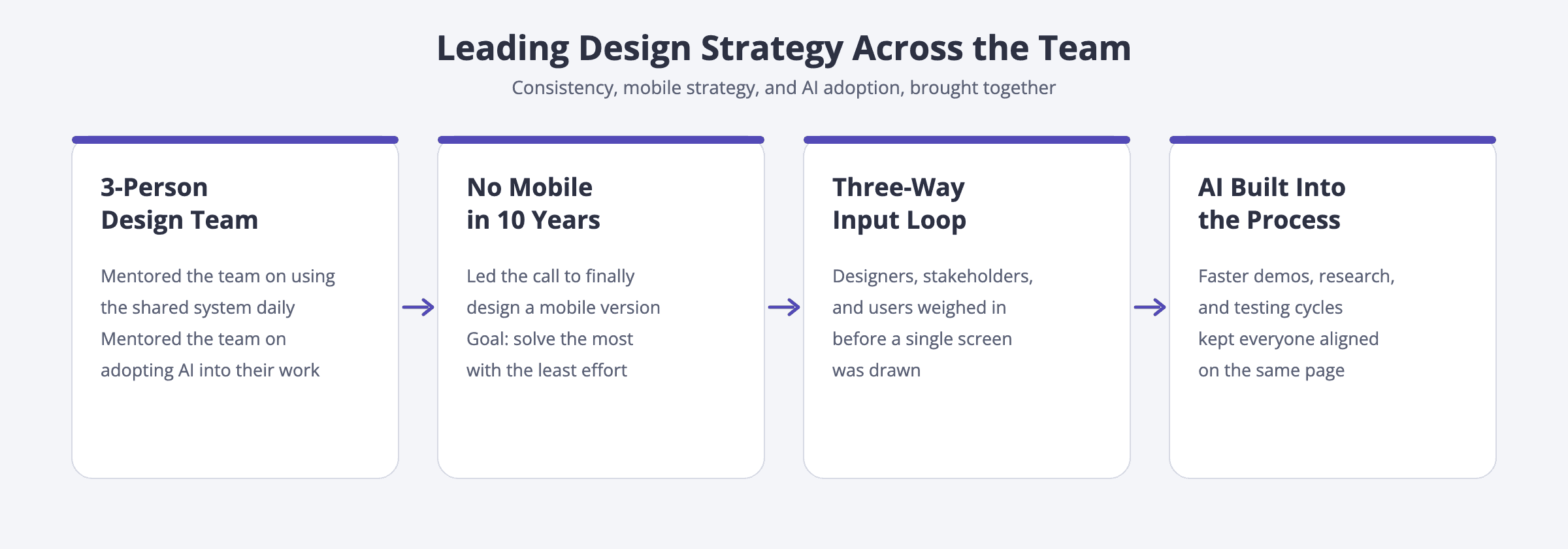
Design system adoption: I mentored the two designers on my team on when and how to use the shared system, not just where to find it, so consistency became a habit rather than a rule someone had to enforce.
AI adoption: I also coached the team on bringing AI into their own workflows, how to use it to move faster without losing design judgment, and where it genuinely helped versus where it just felt like it did.
3. The Strategic Bet: A Mobile Version After Ten Years
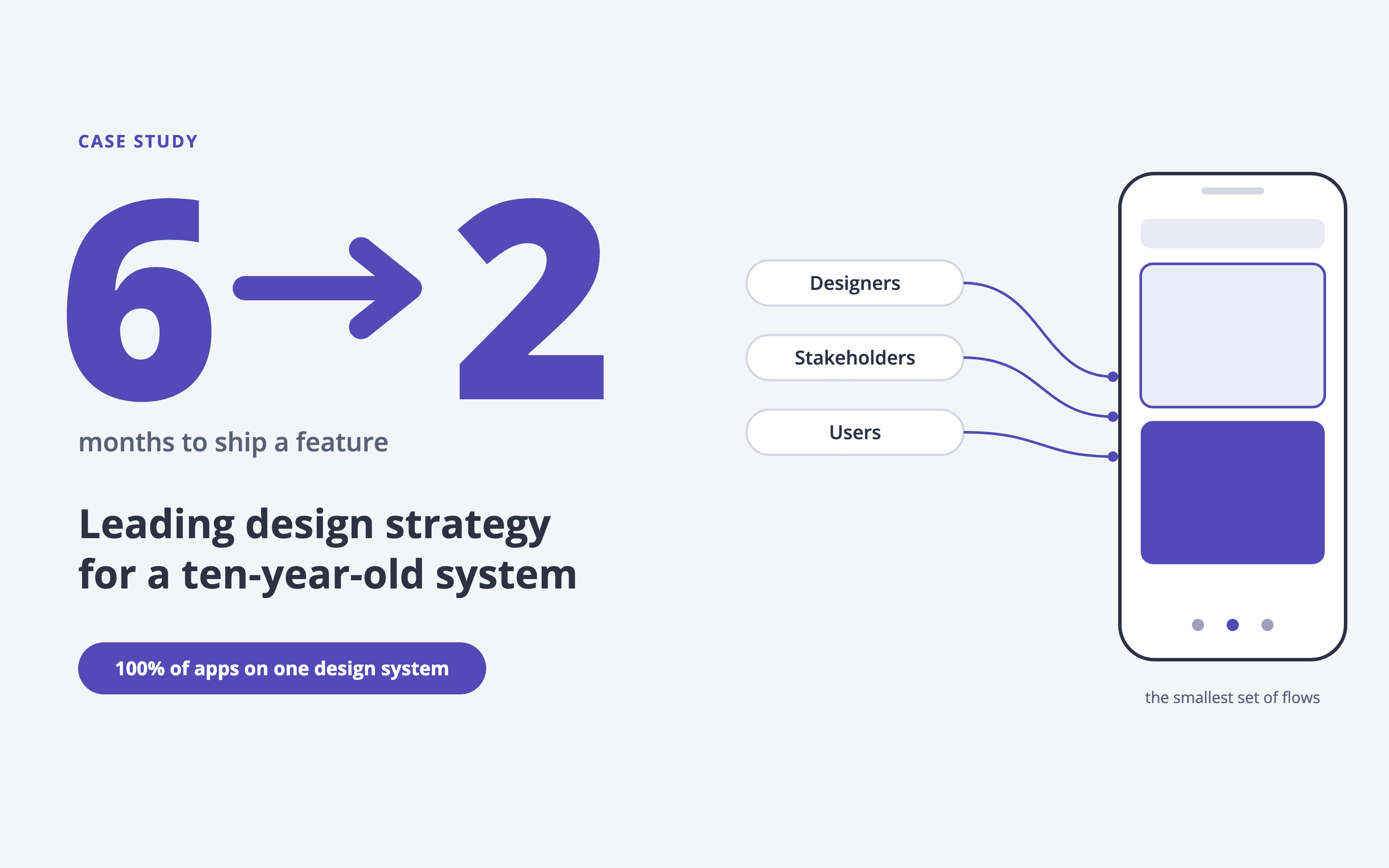
The product had been desktop only for close to a decade. Leading the strategy for its first mobile version meant resisting the obvious move, porting every desktop feature onto a smaller screen, and instead asking a harder question: what's the smallest set of flows that solves the most real problems?
I planned the overall layout and information architecture by pulling input from three sources at once:
Designers on feasibility and consistency with the existing system.
Stakeholders on business priority and constraints.
Users on what they actually needed on the go, versus what we assumed they needed.
Aligning all three before a single screen was drawn is what kept the mobile direction from becoming a smaller, worse copy of the desktop app.
4. Making AI a Team Habit, Not a Personal Trick
Using AI to move faster is easy to do alone. Building it into how a team works is a leadership decision, not a tooling one. I brought AI into the parts of the process that used to slow everyone down the most: turning research into a demo, running discussions with stakeholders, and testing ideas before committing engineering time.
The effect wasn't just personal speed. It shortened the whole loop from idea to alignment, and it meant fewer meetings ended with "let me go build a version and we'll talk again."
5. The Result: A System That Runs Without Me in Every Room
The clearest sign this worked isn't a metric I hit personally. It's that the team and the system kept running well without me needing to be in every decision.

100% of apps now run on the shared design system, up from a patchwork of one-off decisions.
Product managers can now draft their own wireframes, using the same standardized, AI-assisted system, instead of waiting on a designer for every early idea.
Feature shipping time dropped from 6 months to 2, largely because design decisions stopped being a bottleneck.
Developers spend less time building UI from scratch, closer now to implementing and refining AI-assisted code than hand-building components from a blank file.
6. What Leading This Taught Me
This project changed what I thought my job was. Early in my career, my job was to design the screen. Leading this team taught me that the more valuable job, especially at this stage, is designing how a team decides what to build, and why. That's the part of this project I'd want to do again.